
The accordion block allows you to add a title with collapsable content, it’s commonly used for FAQs. You can click the question and the answer appears below.
Adding a row #
To add a row, click the “Add row” button. You will then see two fields appear, “Title” and “Content”.
For title, simply enter the text you would like the user to click on. Then, for content, enter the required content that should be shown when the title is clicked.
Removing a row #
To remove a row, simply hover over the row you would like to remove. Then you will see a small minus button on the right side as shown below:
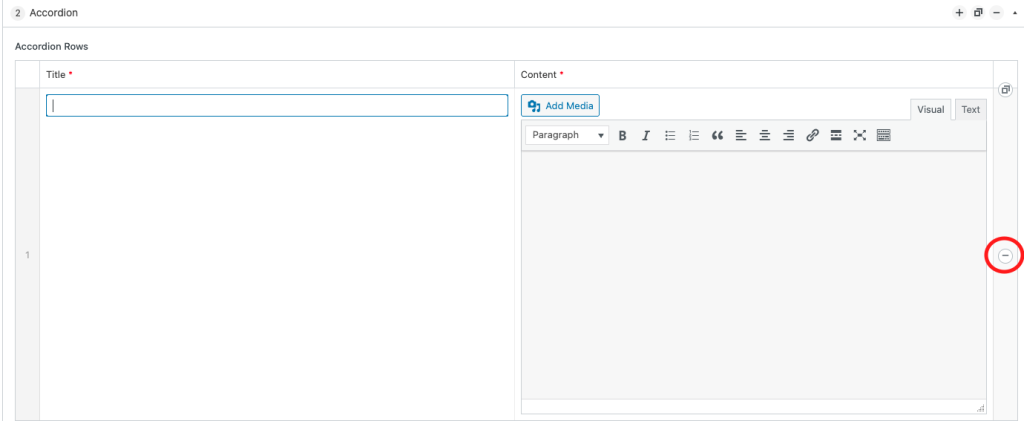
Click this button and then select the red “Remove” link the appears to remove the row.
Remember to click the blue “Update” button in the top right of the page to save your changes.


